|
Help Center
|
Help Center
|
Help Center
|
Help Center
 How
To Add Team Members?Roles
and Their Access Permissions?
How
To Add Team Members?Roles
and Their Access Permissions?1. Access your dashboard by logging into your Lawpic employer account using your credentials.
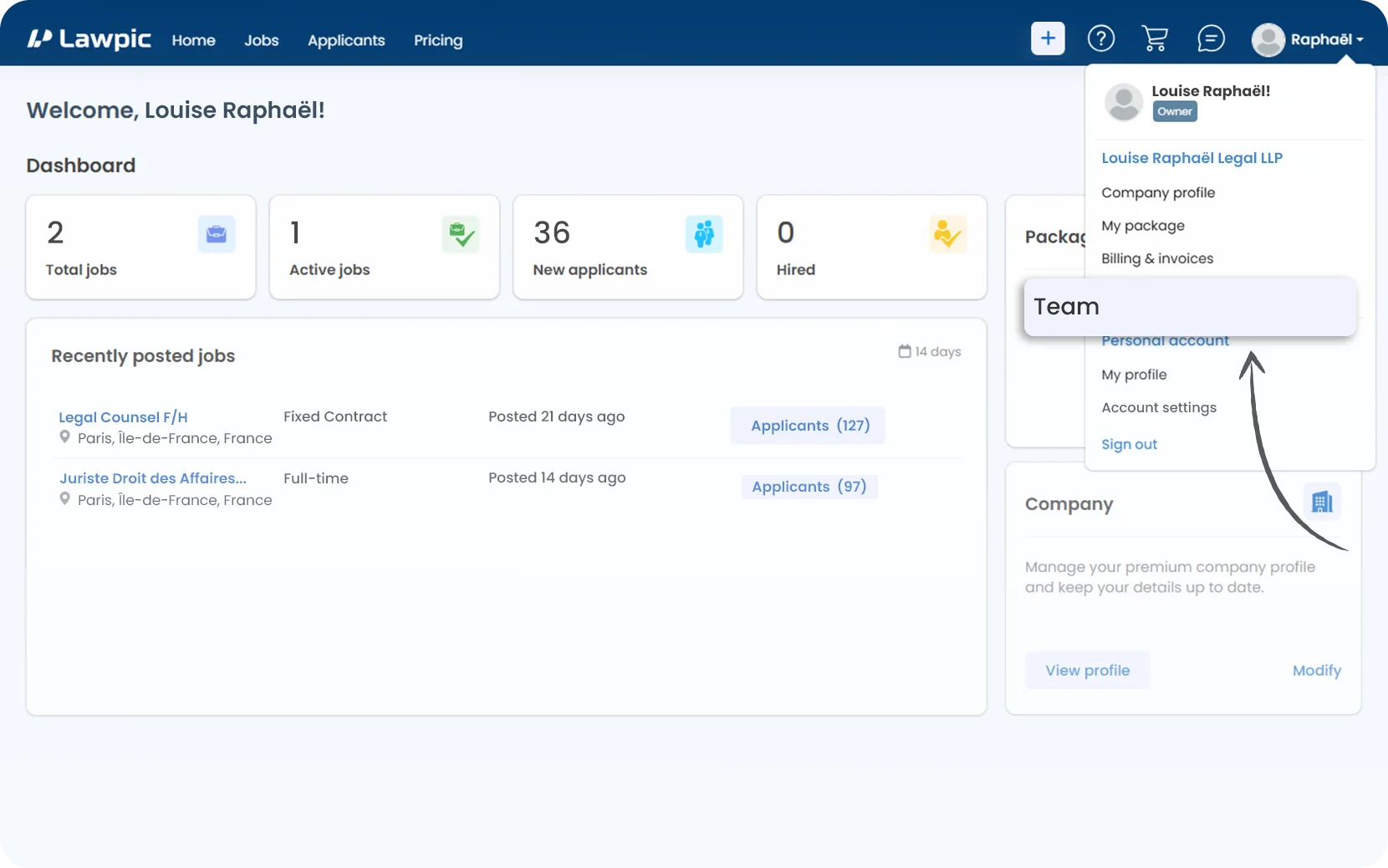
2. Click on the "Team" option located within the profile menu in the top navigation bar.
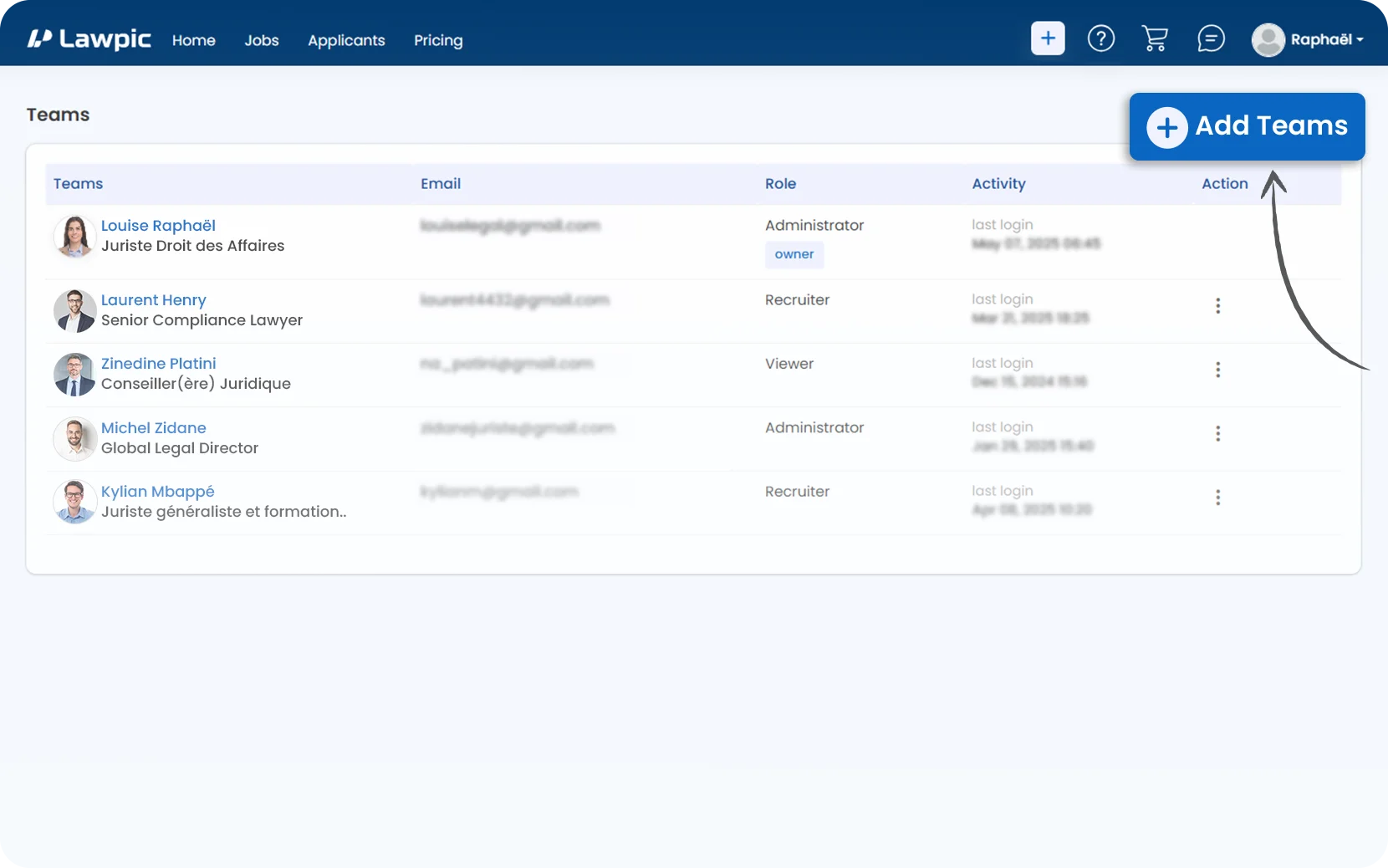
3. Click the "Add Teams" button located at the top-right corner of the teams page.
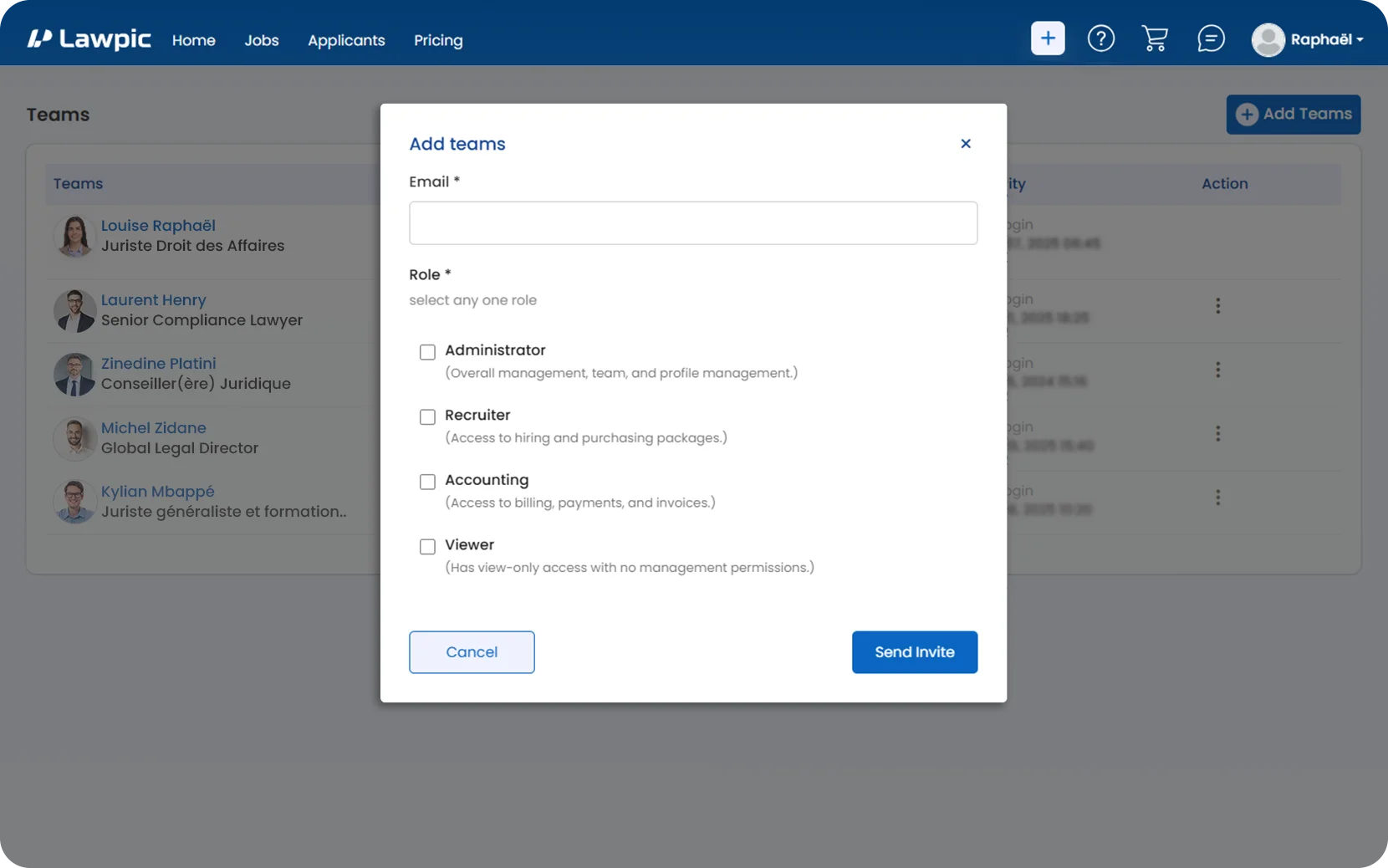
4. In the "Add Teams" popup:
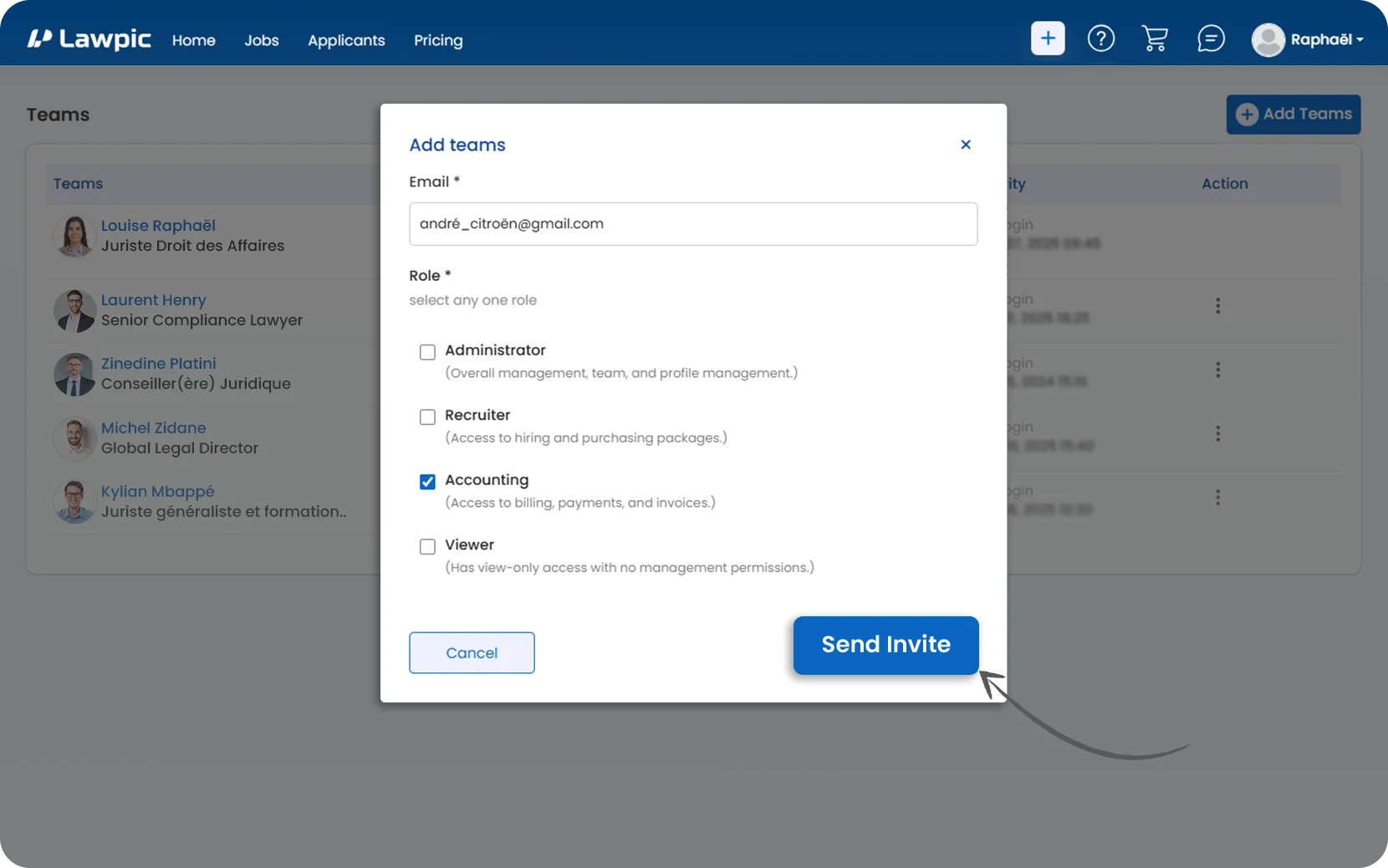
5. Click the "Send Invite" button to send the invitation to the selected team member.
6. Once the user accepts the invite, their name, role, email, and last login time will appear in the team list.
Assign the right role to each team member to ensure secure and efficient access to your company account.