|
Help Center
|
Help Center
|
Help Center
|
Help Center
 How To Post a Job on Lawpic?How To Post a Job in the French Language?How Can I Edit Job Details After Publishing?How Can I Purchase a Job Post?
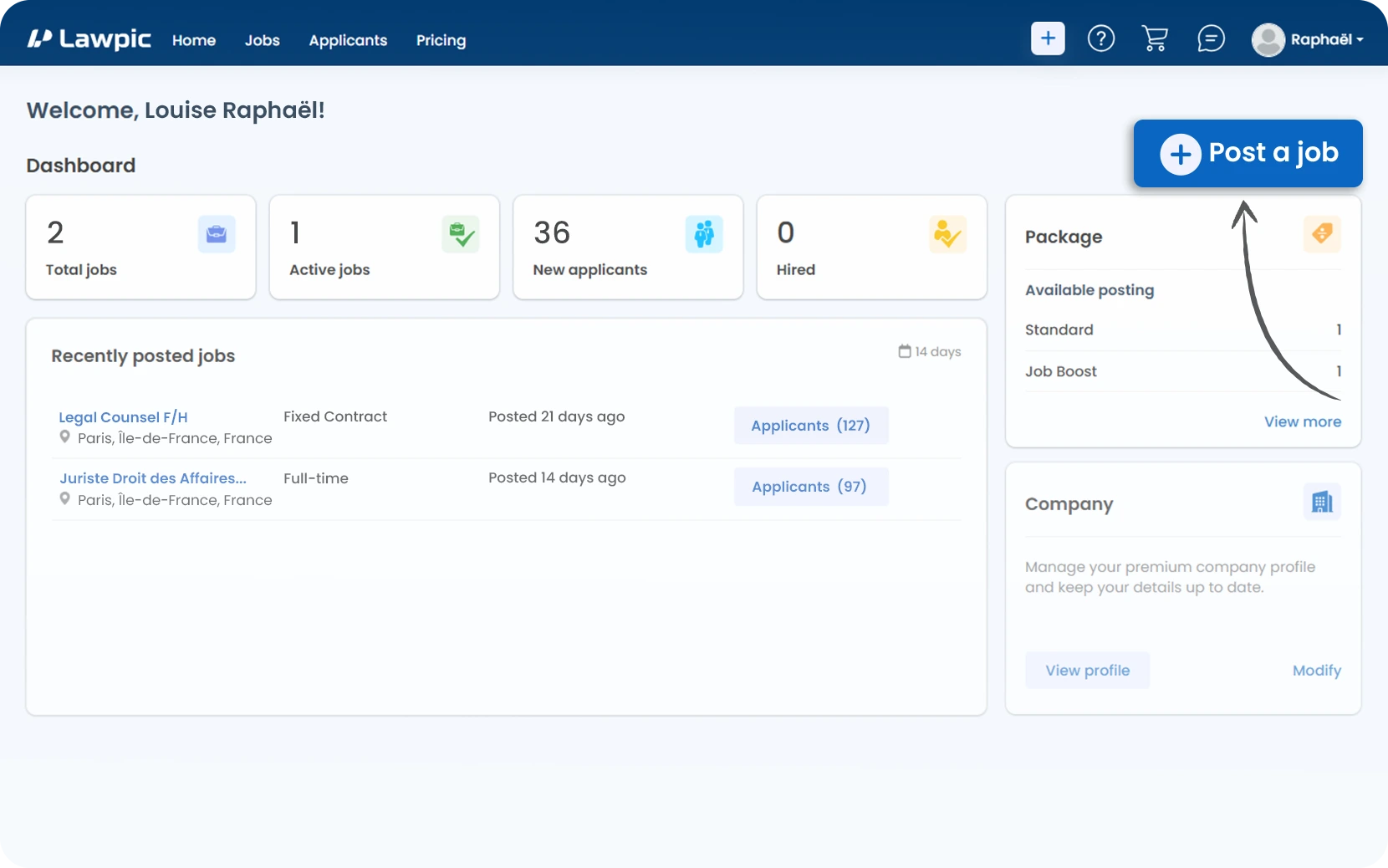
1. Access your dashboard by logging into your Lawpic account.
2. Click on the "Post a Job" button at the top right of the dashboard to start creating your job listing.
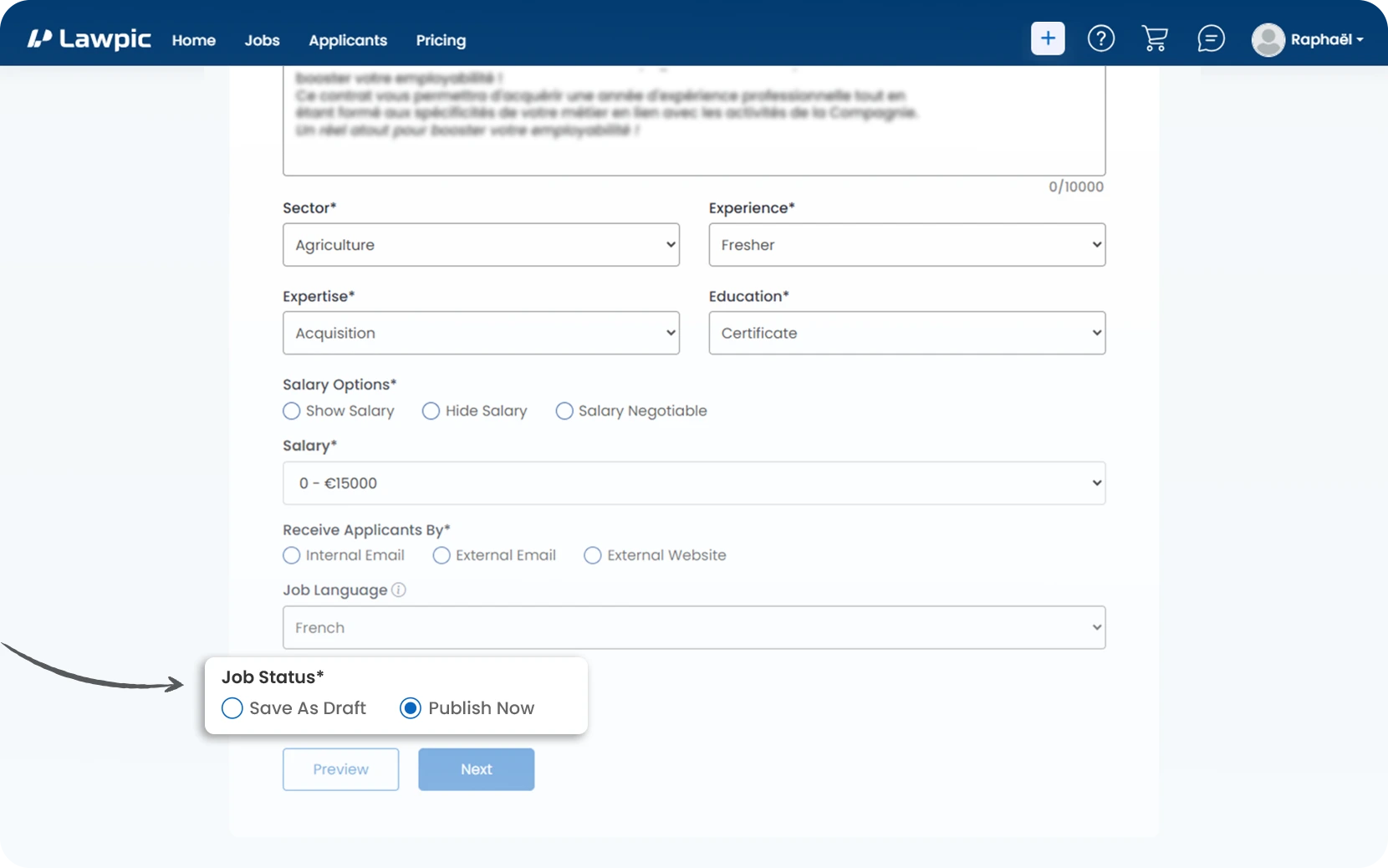
3. Fill in the job details including title, location, contract type, experience, and salary.
4. Select "Publish Now" under job status to ensure your listing goes live immediately after submission.
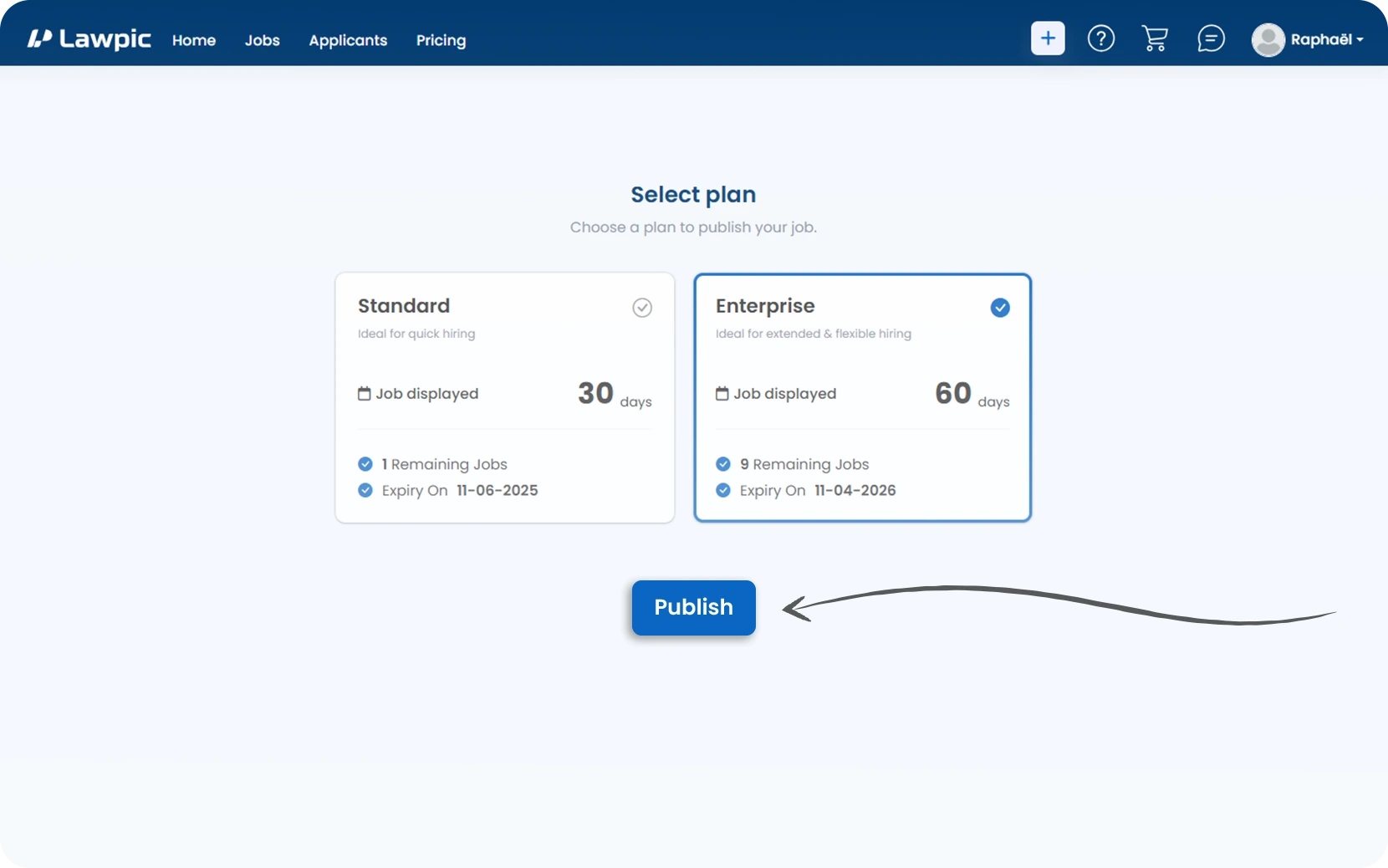
5. Choose a job posting package that aligns with your hiring needs, whether for quick or extended visibility.
6. Click the "Publish" button to finalize your job post and make it visible to potential applicants.
1. Access your dashboard by logging into your Lawpic account.
2. Click on the "Post a Job" button at the top right of the dashboard to start creating your job listing.
3. Fill in all the required details in the job posting form.
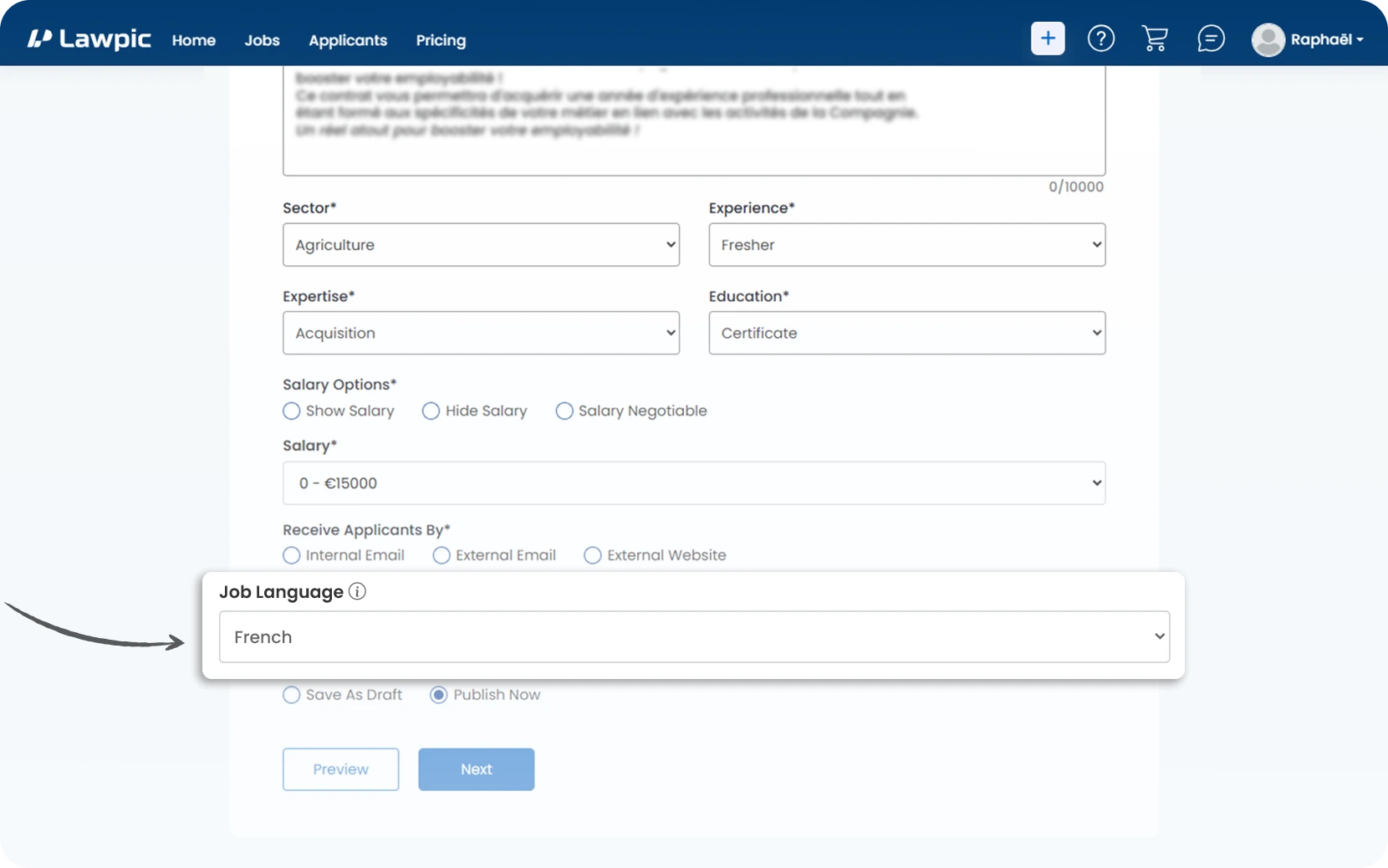
4. Most importantly, scroll to the "Job Language" field and select "French" from the dropdown menu.
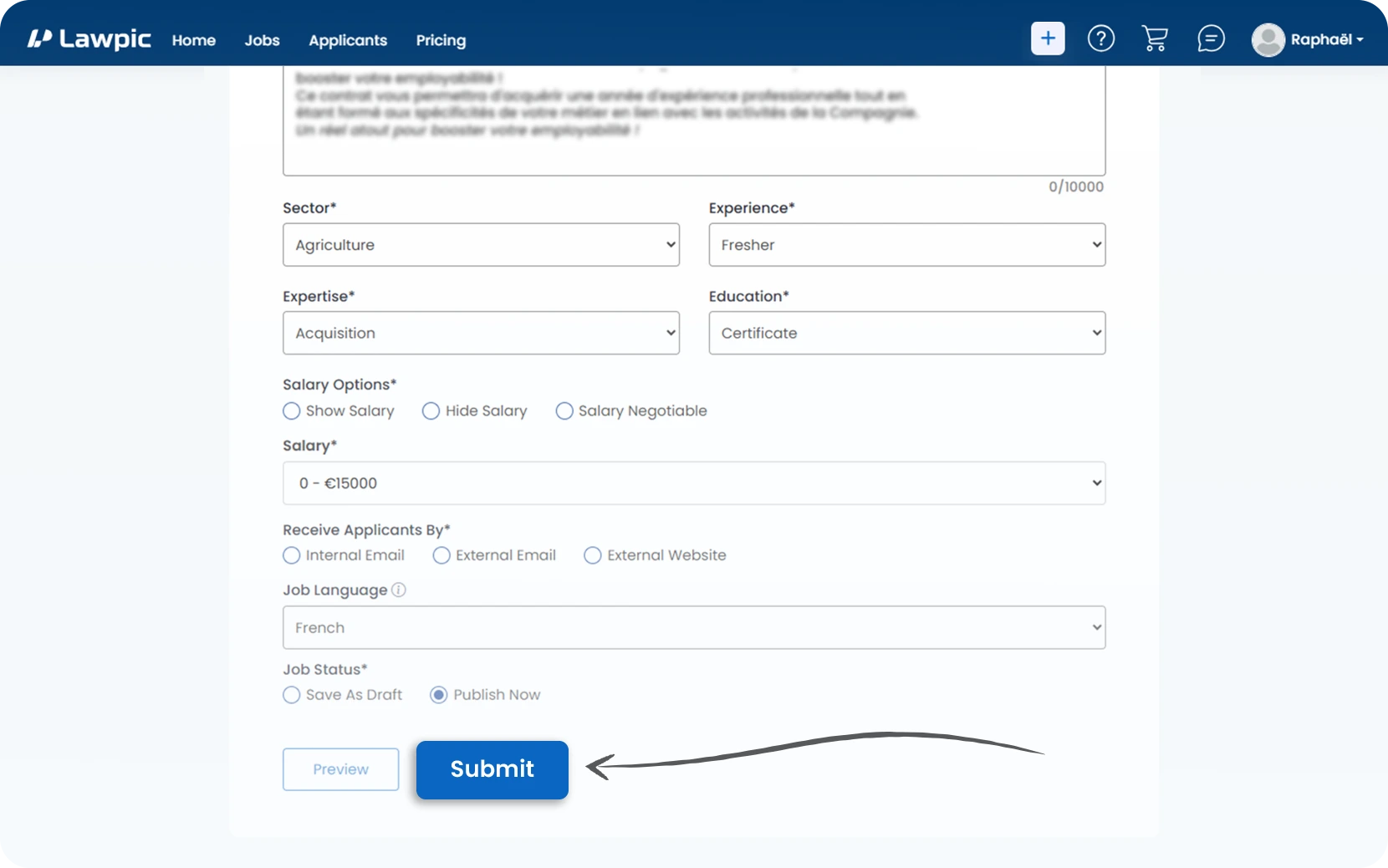
5. Click "Submit" to post your job.
1. Access your dashboard by logging into your Lawpic account.
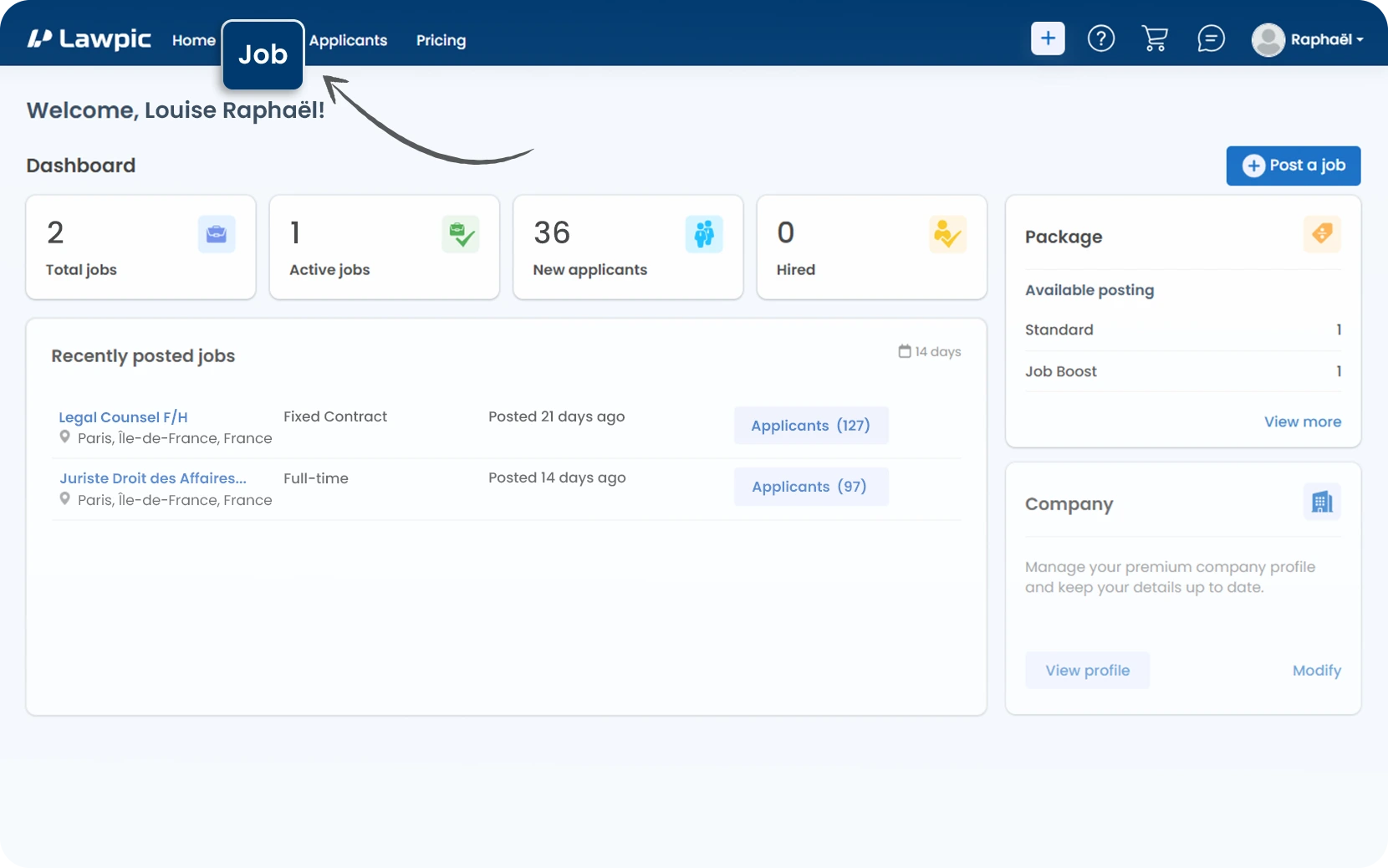
2. Click on the "Job" menu at the top of the dashboard.
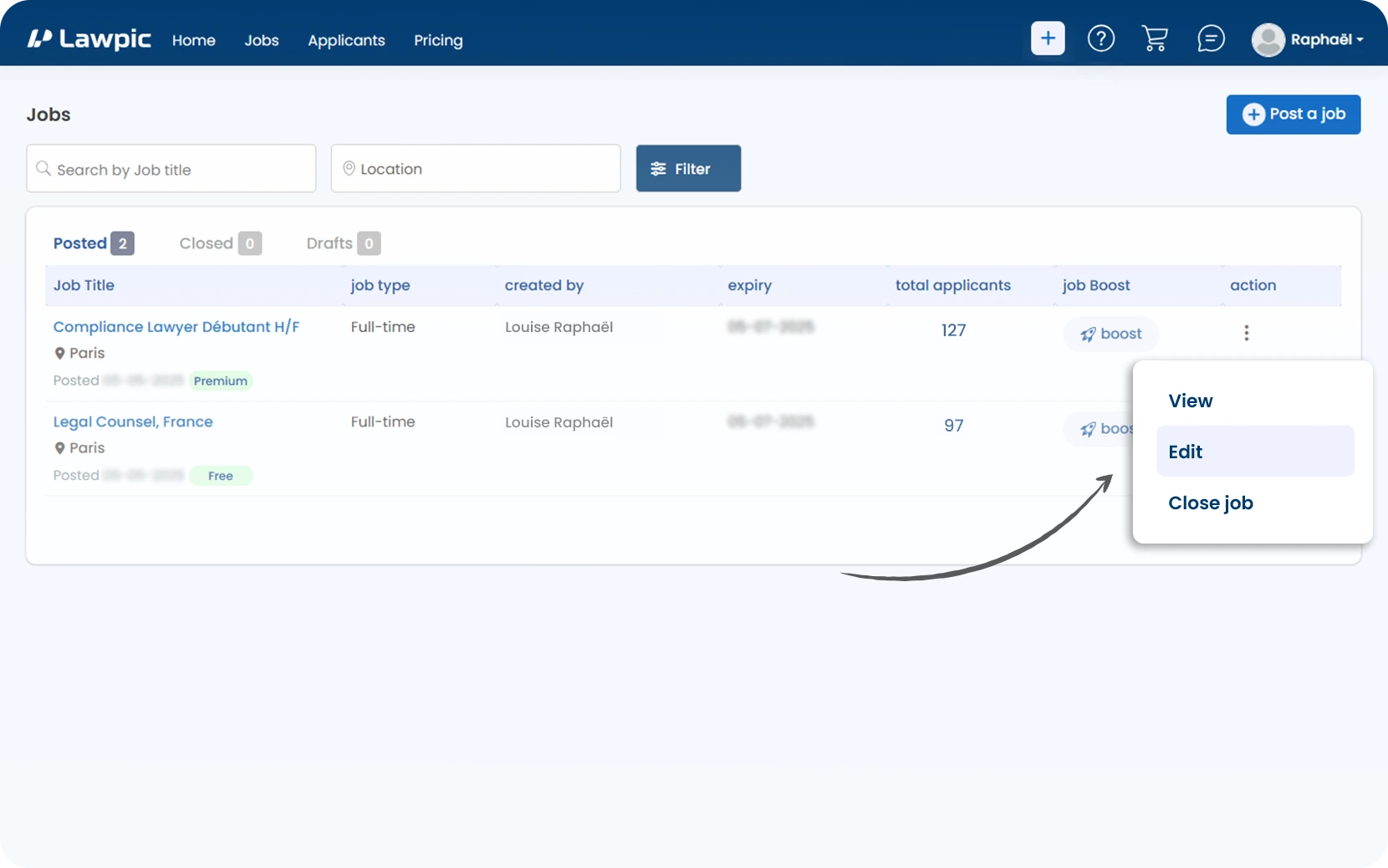
3. In the "Posted" section, locate the job you want to edit.
4. Go to the "Action" column on the right side of the job listing.
5. Click the three vertical dots "(⋮)" to open the action menu.
6. From the dropdown, click "Edit".
7. Make the necessary changes in the job posting form.
8. Finally, click "Submit" to update your job post.
1. Access your dashboard by logging into your Lawpic employer account.
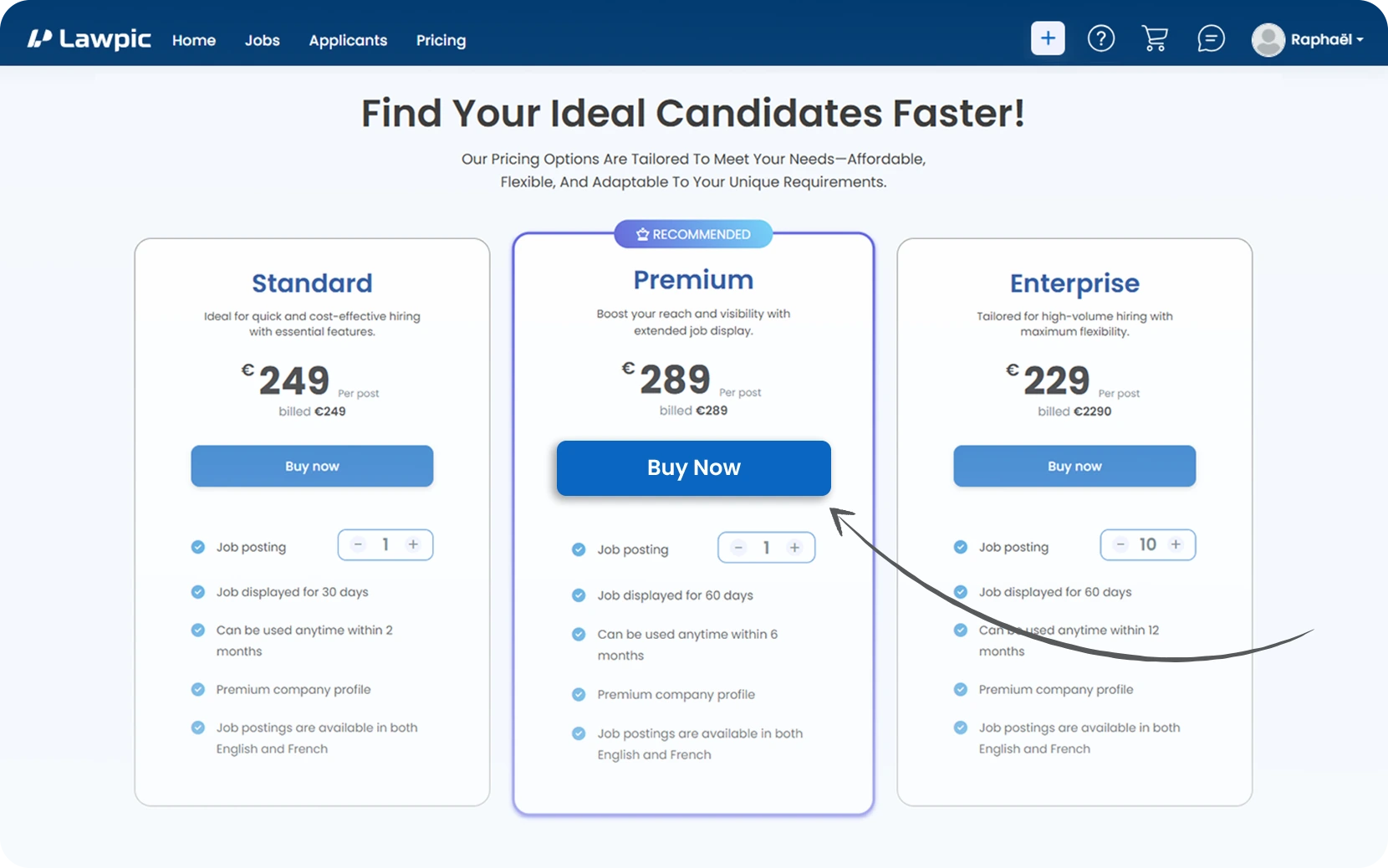
2. In the Package section on the right, click the "Buy Now" button to view available job posting plans.
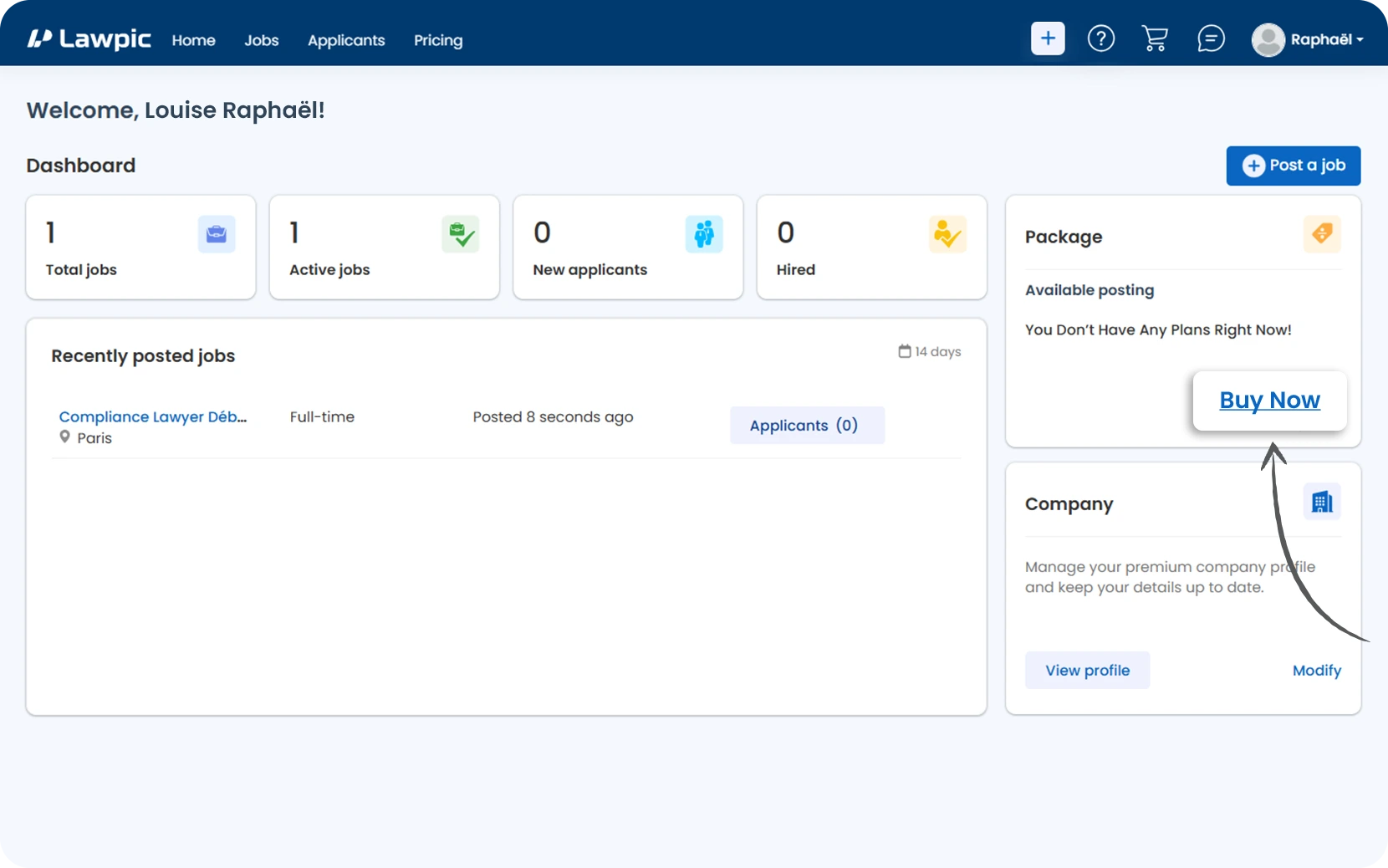
3. Browse the available packages and choose the one that best fits your hiring needs.
4. Click "Buy Now" under the selected plan to proceed with the purchase.