|
Help Center
|
Help Center
|
Help Center
|
Help Center
 How Do I Edit My Company Profile?
How To Update Your Company Logo on LAWPIC?
How Can I Increase My Profile Strength and Boost Employer Branding?
How Do I Edit My Company Profile?
How To Update Your Company Logo on LAWPIC?
How Can I Increase My Profile Strength and Boost Employer Branding?1. Access your dashboard by logging into your Lawpic employer account using your credentials.
2. Click on the "Company Profile" option located within the profile menu in the top navigation bar.
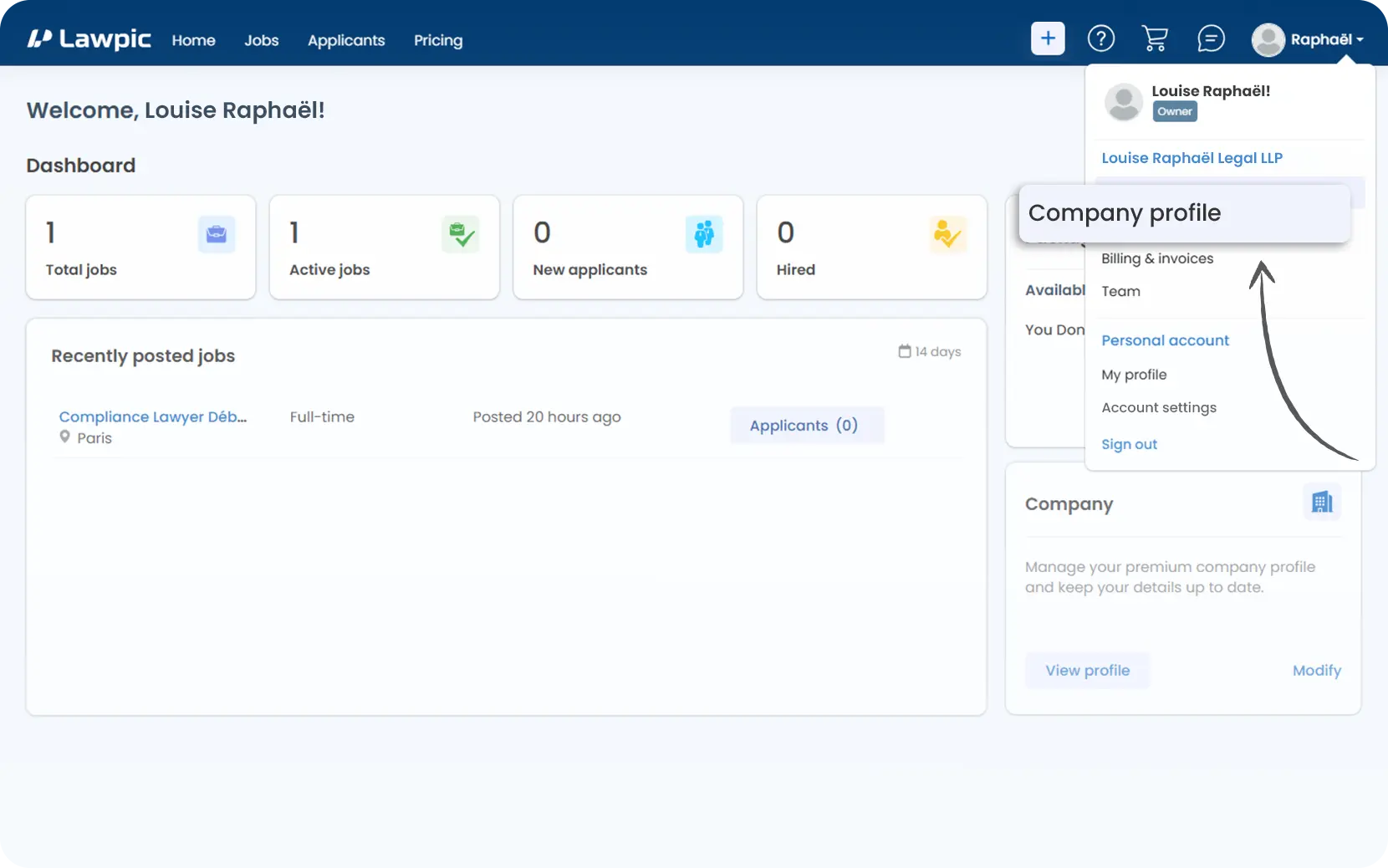
3. Click "Edit profile" under the Manage your premium company profile section.
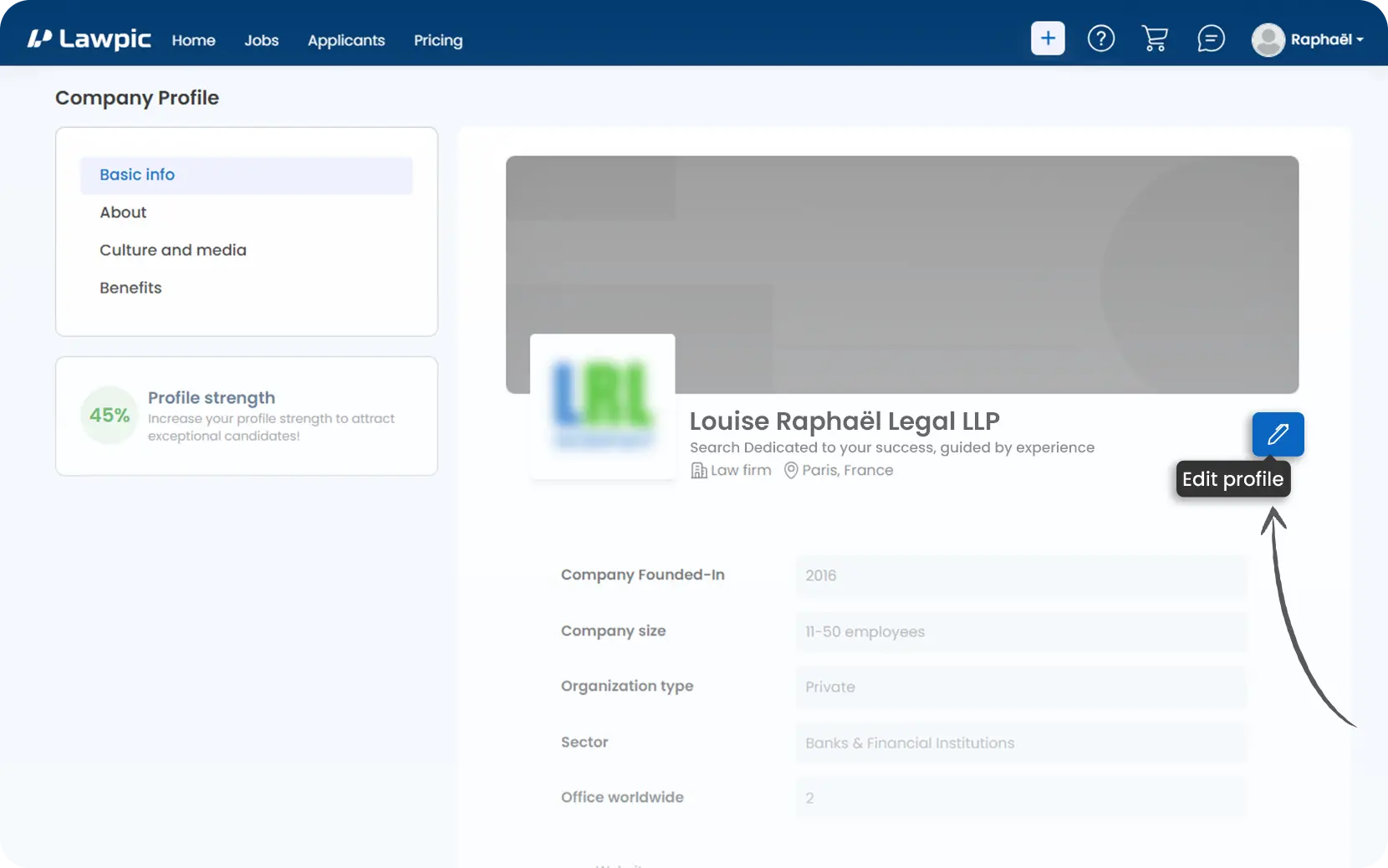
4. You’ll be redirected to the Company Profile Editor, where you can update the following:
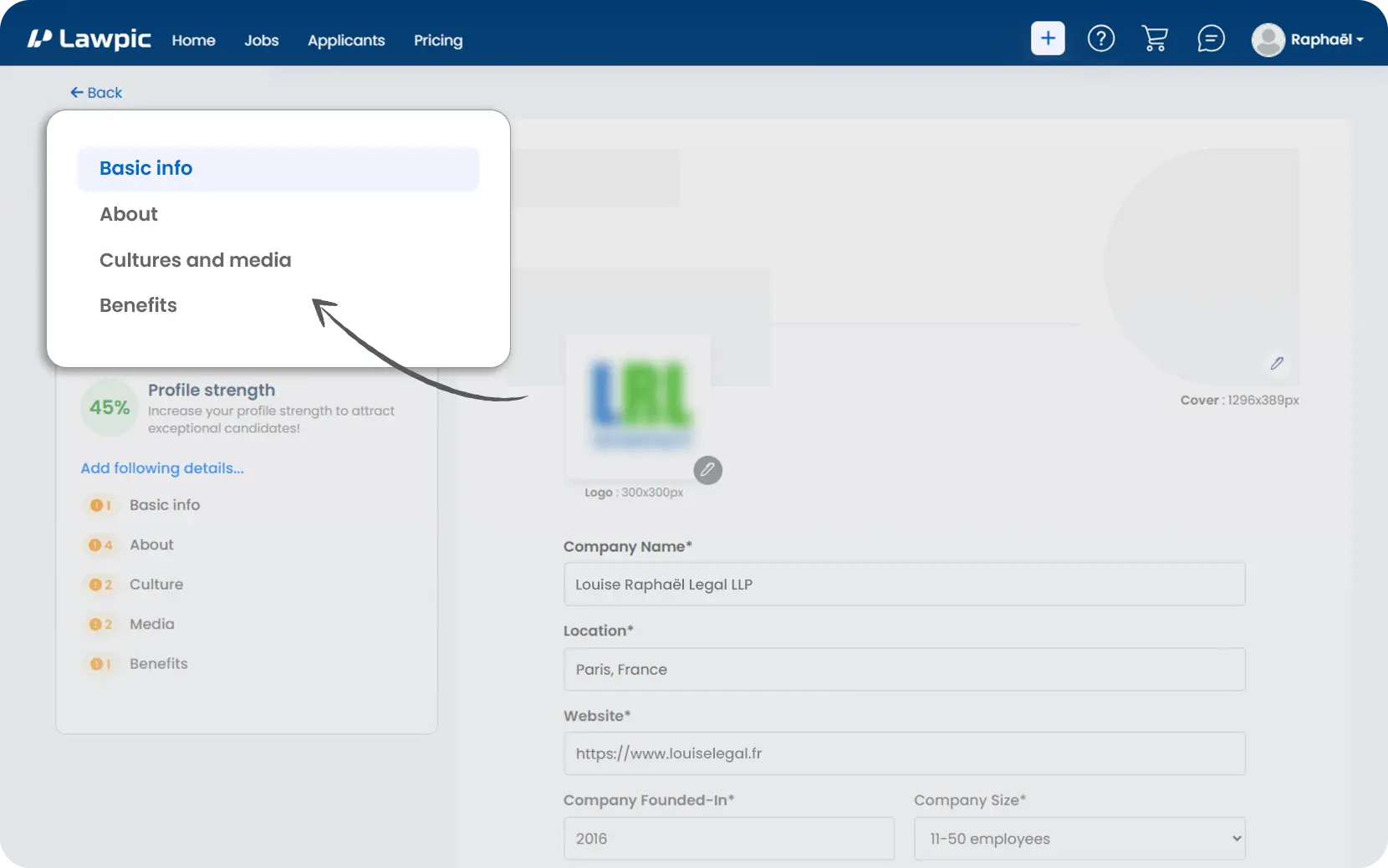
5. Click "Save" to apply your updates and reflect the changes on your public company profile.
1. Access your dashboard by logging into your Lawpic employer account using your credentials.
2. Click on the "Company Profile" option located within the profile menu in the top navigation bar.
3. Click "Edit profile" under the Manage your premium company profile section.

4. In the Basic Info section, find your existing company logo.
5. Click the "Edit Icon" next to the logo to start uploading a new one.
6. Upload your new logo from your device (recommended format: PNG or JPG a square size is ideal for best results).
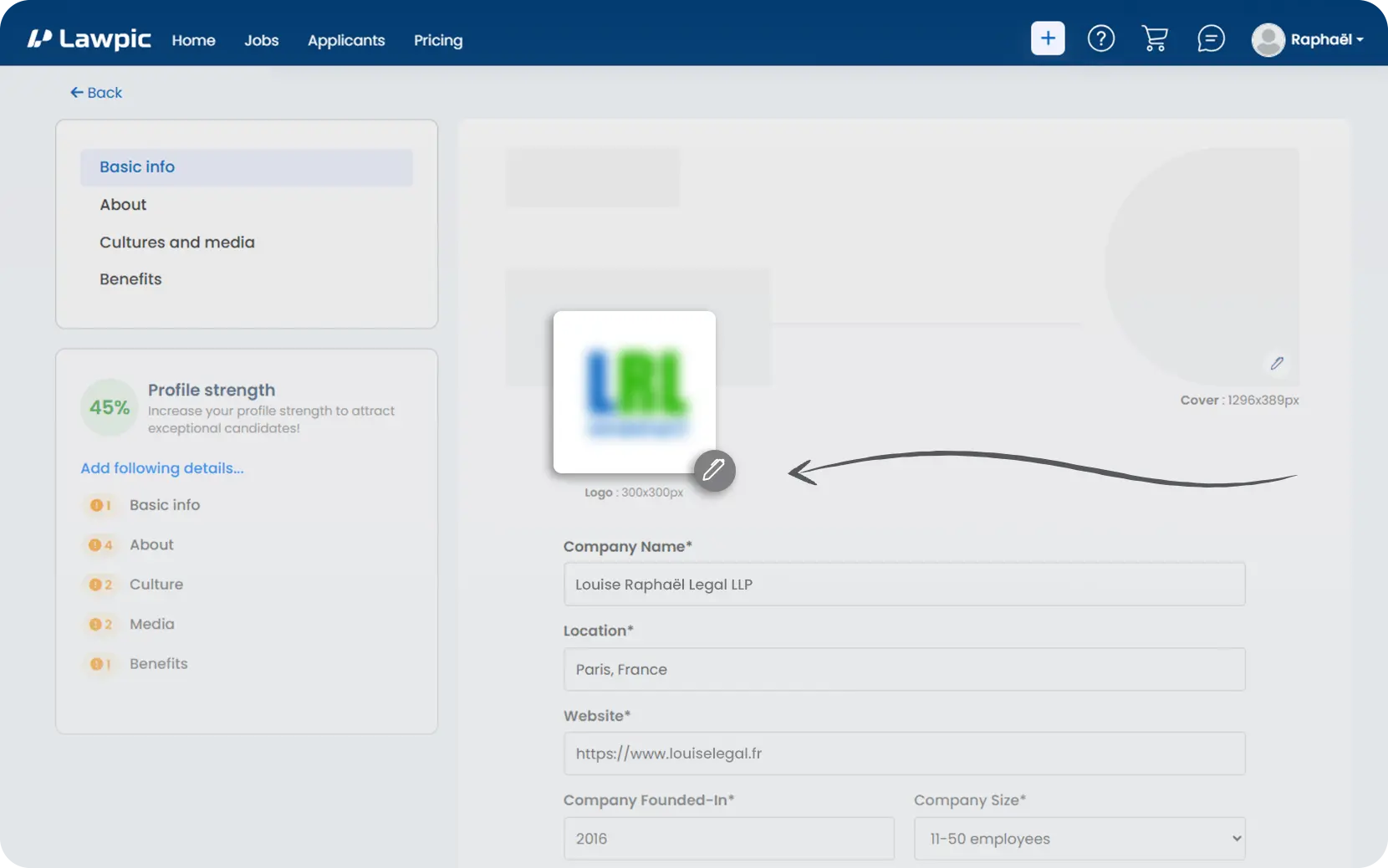
7. Once uploaded, the new logo will be visible in place of the old one.
8. Click "Save" at the bottom of the page to apply changes to your public profile.
1. Access your dashboard by logging into your Lawpic employer account using your credentials.
2. Click on the "Company Profile" option located within the profile menu in the top navigation bar.
3. Click "Edit profile" under the Manage your premium company profile section.
4. To improve your profile strength on Lawpic, complete every section of your company profile including:
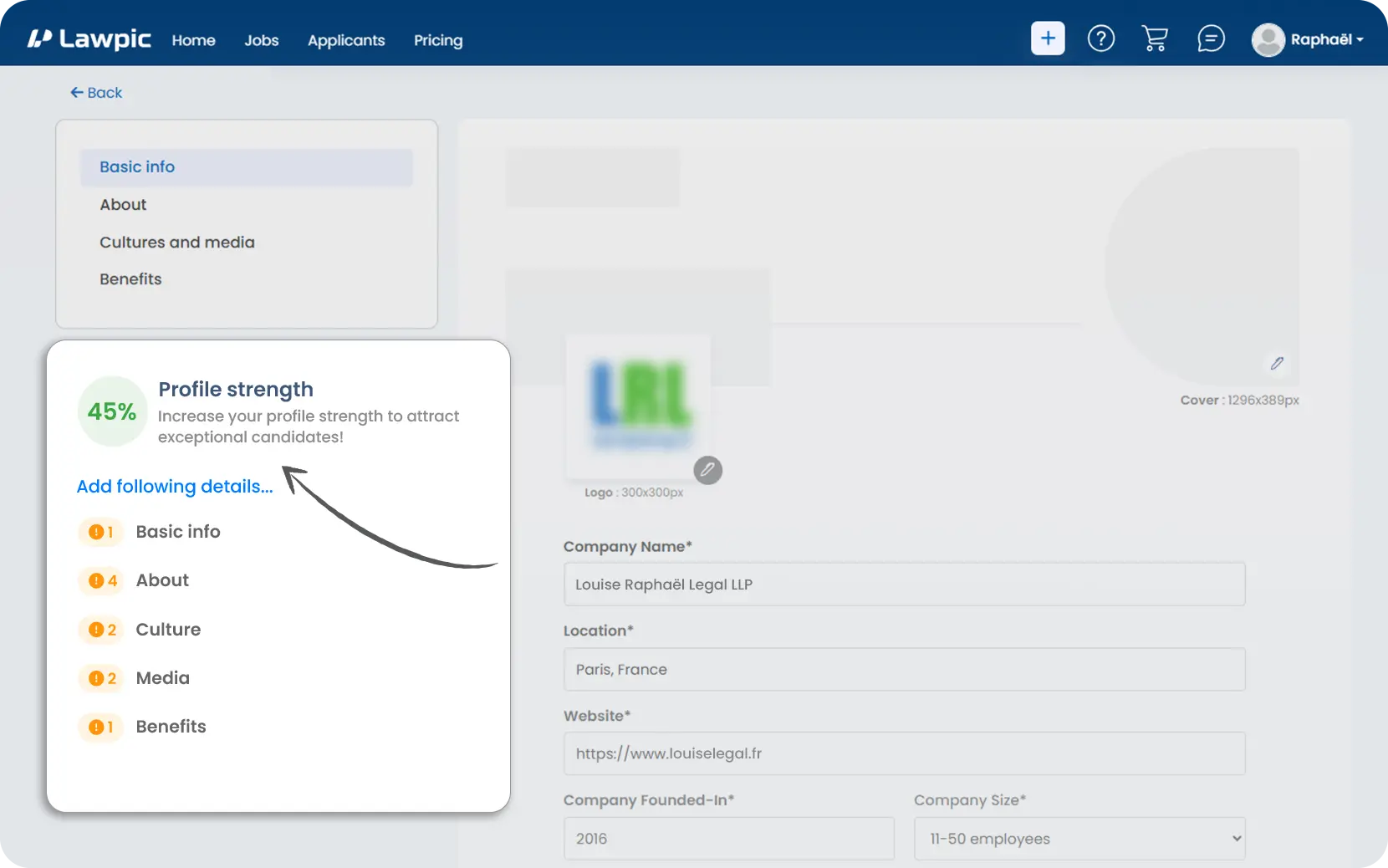
5. A fully completed profile not only boosts your profile strength percentage but also increases your company's visibility, credibility, and ability to attract top-quality candidates.